


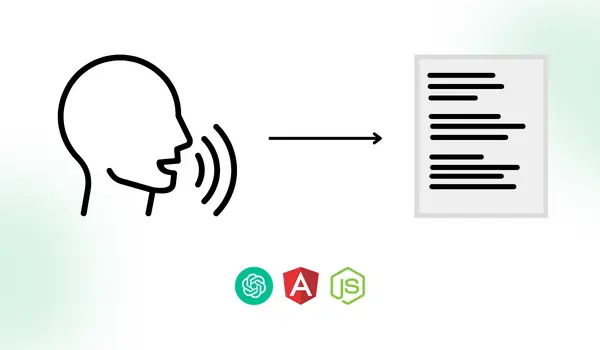
Using artificial intelligence, machine learning, and natural language processing, speech to text conversion is a fast-growing technology that can understand and transcribe speech. Now with the help of openAI, transforming spoken language into written text would be hassle-free with turning Speech to text using chatGPT. Combining javascript frameworks, here is an implementation of Speech to text using OpenAI ChatGpt, Angular, and Nodejs.
Integrating this feature into your software can boost your business customer acquisition by allowing faster and easier communication, documentation, and transcription.
How ChatGPT works for Speech To Text Conversion by OpenAI:
For speech to text, openAI provides two endpoints transcriptions and translations. The Transcription API is a speech-to-text API that converts spoken words into written text. It uses a 'Whisper' deep neural network model which is trained on a large corpus of speech data to achieve high accuracy.
To change gears, go through the basics of integration of ChatGPT with Angular and NodeJs. Core introduction and information are covered there such as,
- What is ChatGPT?
- Generate OpenAI API Key
- Install the OpenAI package in Nodejs
Steps to cover in Speech to text using ChatGPT, Angular, and Nodejs:
- OpenAI Speech to text API integration in NodeJs
- Implementing Speech to Text Conversion in Angular with RecordRTC
- Preview of Speech to Text using ChatGpt, Angular, and Nodejs
OpenAI Speech to text API integration in NodeJs:
We are going to explore how to use openAI speech to text with nodejs, or in other words, how to build a speech recognition system with nodejs and openAI.
Recommend having a look here before beginning.
To create a route for our API, we need to create an openaichatGPTRoutes.ts file:
openaichatGPTRoutes.ts
As you can see we are calling the openaiSpeechToTextConversion function of the openaiChatGPTController file. Next, create one controller file named openaiChatGPTController.ts with the same function.
This function will make a request and generate a response by calling the speechToTextConversion method of the openaiChatGPTService.ts service file.
openaiChatGPTController.ts
From the front end, a recorded audio file will be received. To accept file input with extending of request, uploadAudioFileInputRequest interface implemented.
Now let’s create one service file openaiChatGPTService.ts, which includes a function named speechToTextConversion for the below functionalities:
- By calling the function writeFileOnTempDir, it creates a file in a temporary directory from the received file object.
- If the file will be created successfully on the temp directory then it will make a call to the createTranslationOfSpeechToText function of the openai.ts file.
- After successfully calling the function, it will delete the created file from the temporary directory & will return the response.
openaiChatGPTService.ts
Now create one file named openai.ts which includes all the code related to OpenAI “Create Translation” API. It will take a request and return the response in text based on our audio speech file. Add the below code into the file.
openai.ts
In the “Create Translation” API of OpenAI, we have passed :
- file : As a First argument we have passed a readable audio file stream.
- model : As a Second argument we have passed the model name which is “whisper-1”.
For more information about the Create Translation API, please refer to the official OpenAI API documentation :
https://platform.openai.com/docs/api-reference/audio/create
Speech to Text Conversion in Angular with RecordRTC:
We used angular for the front-end application & integrated API that we created. Let’s jump into it.
Create one basic speech to text app in angular using the command ng new chatgpt-front-app
Now create one module named speech-to-text which contains one component speech-to-text-conversion. It is used to make design and functionality “allow users to record speech and display the converted text” to give a better user experience.
Create module by command ng generate module speech-to-text
Create component inside “speech-to-text” module by command ng generate component speech-to-text-conversion
Here is how the component code will look like, there is a comment above each function or section to define its purpose.
speech-to-text-conversion.component.html
speech-to-text-conversion.component.css
speech-to-text-conversion.component.ts
To record voice we have used “RecordRTC”.
npm install recordrtc
To display voice recording wave animation we have used “Lottie” animation.
npm install ngx-lottie lottie-web
Now let’s implement one service file named audio-recording.service.ts. It includes voice recording functionality using RecordRTC.
audio-recording.service.ts
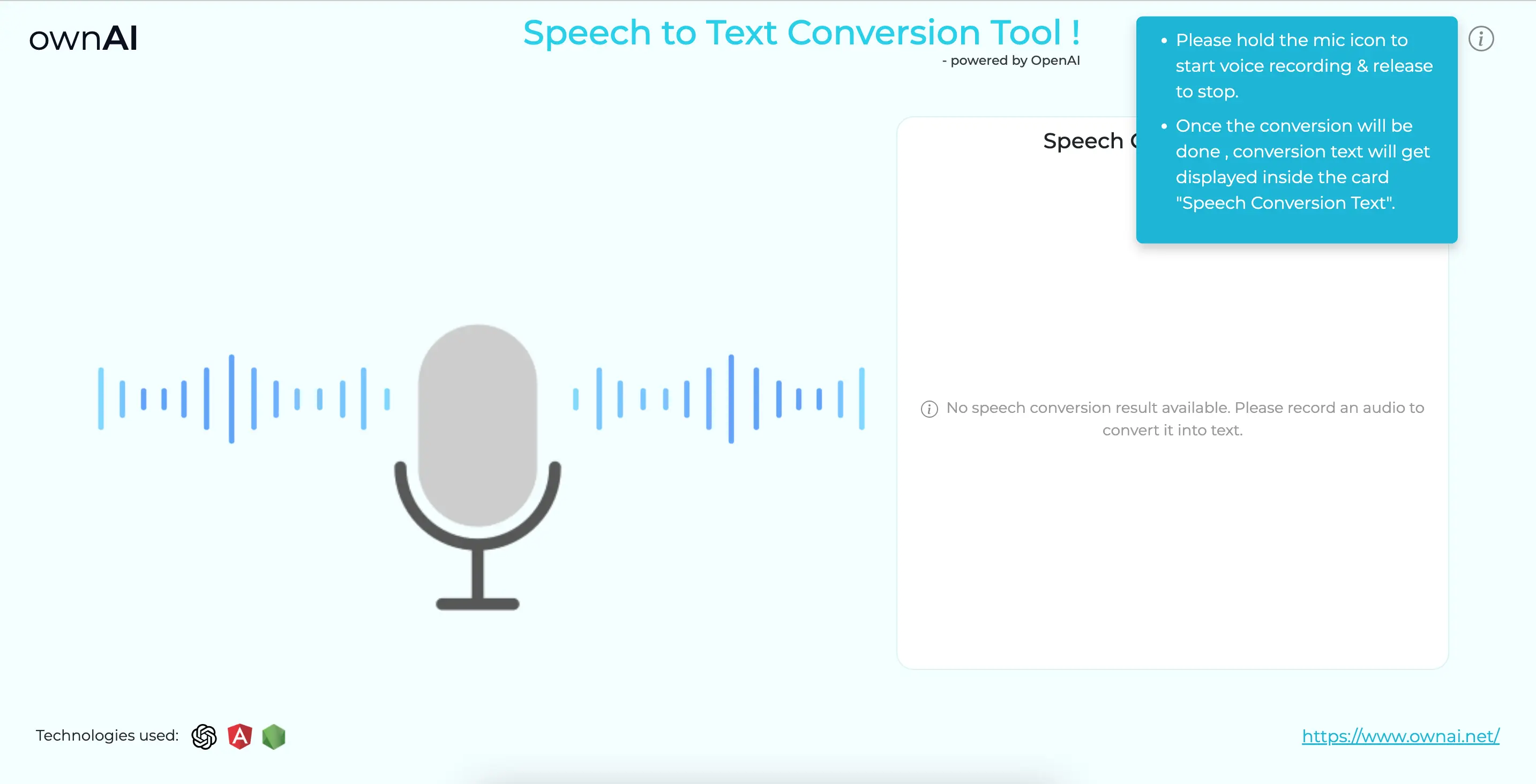
In the speech-to-text-conversion.component.html file the ‘holdable’ directive is used within the image tag of a mic. To have speech recognition functionality, holding the mic will start the audio recording & releasing the mic will stop the audio recording.
holdable-directive.ts
After integrating this, it will start audio recording by holding the mic with wave animation & when you release the mic it will stop audio recording and wave animation. Isn’t it attractive??
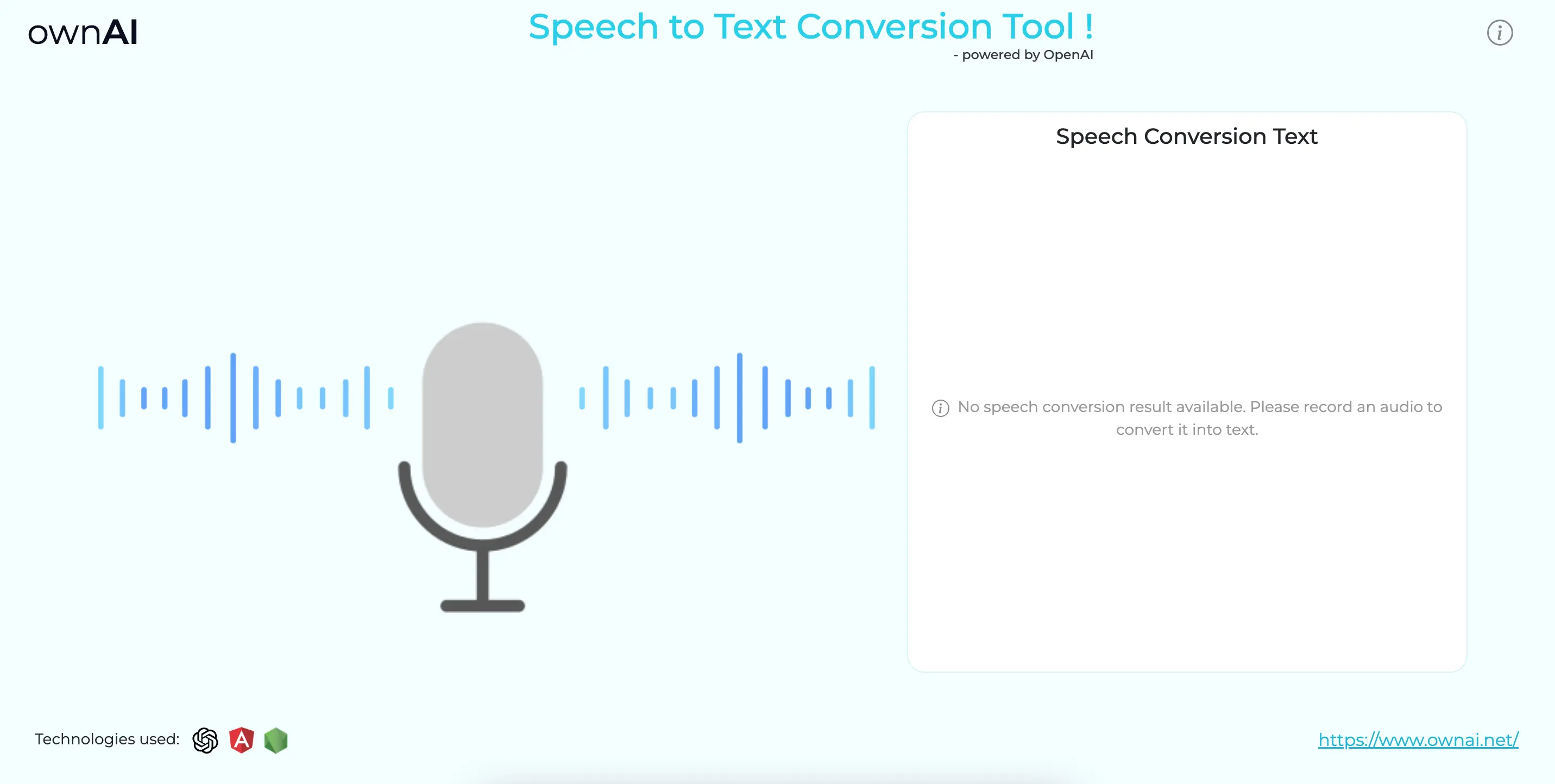
After releasing the mic, it will call our node speech recognition API and display generated text responses inside the card.
Now as you can see inside the component's ts file that we are calling one speechToTextConversion method of openaiChatGPTService, it is used to make http requests to our node API. Now let’s set up the required things for the same.
Let's create one API-config file named api.config.ts which contains the endpoint url configuration of our API.
api.config.ts
Here environment.url contains the root url of the backend app , here we have it inside the environment.ts file as below.
environment.ts
Now let's create one service file named openai-chatgpt.service.ts which consists of a function , in that we will make a http request to our API.
openai-chatgpt.service.ts
app.component.html
app.component.css
Preview of Speech to Text using ChatGpt, Angular, and Nodejs:
This is what our Angular app looks like with an example of OpenAI Speech to text conversion.

Is your business software needs speech to text feature? Or any other AI feature? Are you looking for a consultation with a tech expert? ownAI tech expert team is ready to help, we’re just a click away.
FAQs
How can we use openAI speech to text with Nodejs?
Node.js is a popular server-side backend framework that uses javascript. We can easily access openAI APIs in Nodejs by installing the 'openai' package with the command: npm install openai. openAI speech to text has a 'whisper' model that provides APIs for transcribing and translating audio files. To use these APIs, we need to send the audio file as an input to the "Create Translation" API using Nodejs code. Once the speech recognition is done, we will receive the text as an output.
What is the role of recordRTC in converting speech to text in Angular?
To achieve speech-to-text functionality, RecordRTC is a library that allows us to record speech on the front-end in Angular. It returns a blob of the recorded speech as an output. We can install recordRTC in Angular with the command:
npm install recordrtc.
Which openAI model used for speech recognition in Node & Angular?
openAI introduced Whisper model for speech recognition. The Create Translation will be used for converting speech to text.
In what ways can integrating Speech to Text into software benefit business customer acquisition?
Integrating Speech to Text into software enhances customer acquisition by enabling faster communication, efficient documentation, and improved transcription services. This technology not only saves time but also provides an innovative and accessible user experience, contributing to a competitive edge in the market.

Let’s discuss about your next AI, Cloud or Digital Transformation.
 AI-Skilled & Agile
 Transparent, Trustworthy &
Vetted team Not tech, but business &
customer first approach





 Turn your idea into MVP in 8-16 weeks